









Classic Game Hub 64GB with Dual Controllers - 20,000+ Titles
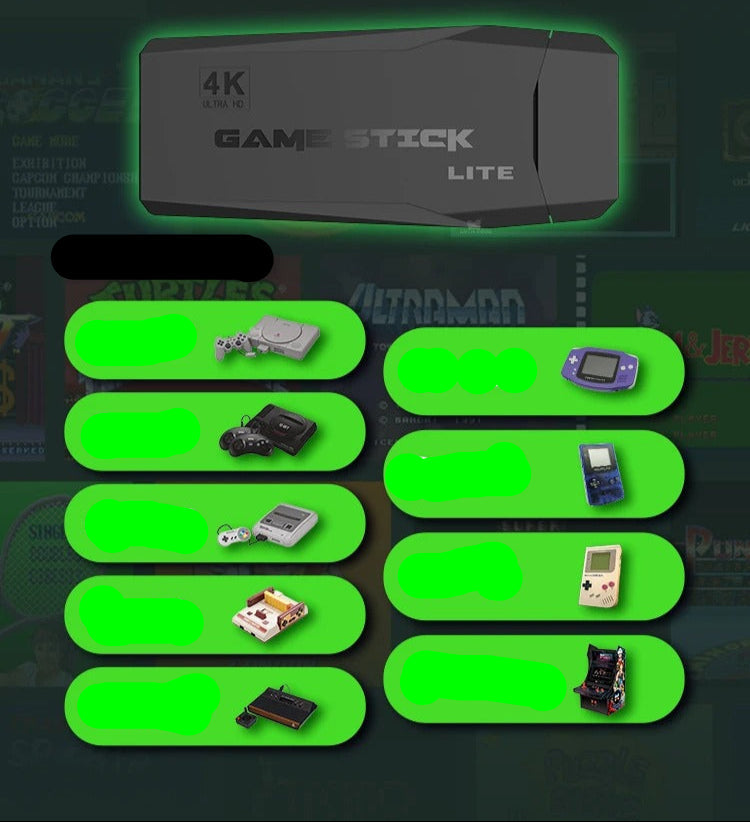
Immerse yourself in a treasure trove of nostalgic gaming with over 20,000 classic titles stored on a 64GB gaming console, complete with two wireless controllers. Travel back to the golden days of the 1980s and 1990s as you explore iconic games from various genres, all conveniently packaged for immediate enjoyment. This system revives the legendary titles that defined a generation, allowing you to relive cherished memories from your gaming past.
Highlighted Features
- More than 20,000 timeless games spanning multiple genres
- 64GB of internal storage for an extensive built-in library
- 4K resolution for stunning visuals of your favorite classics
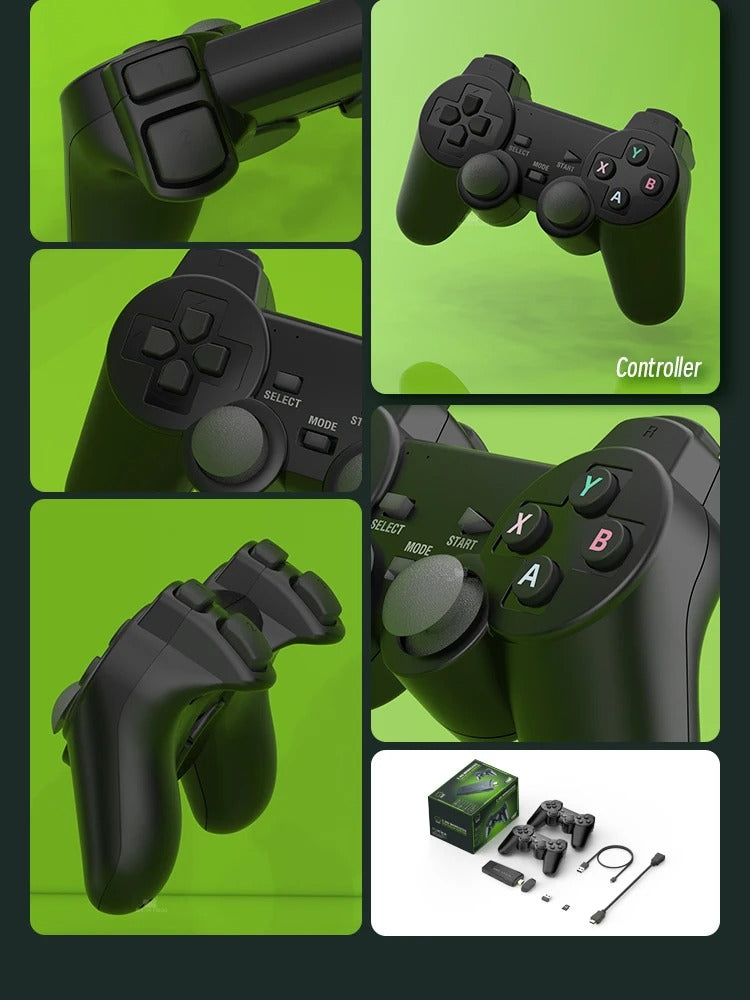
- Two wireless controllers perfect for shared gaming experiences
- Easy plug-and-play installation for instant gaming excitement
- Rapid start-up process
Quick Setup Guide
Connect the console to your television or monitor. Plug the power cord into the device and connect the USB end to your TV/monitor or another power outlet. Insert the receiver for the controllers into the console, install batteries in the controllers, and turn them on using the switch. Adjust your TV to the correct HDMI input, and you're all set to dive into the nostalgia!
Game Collection
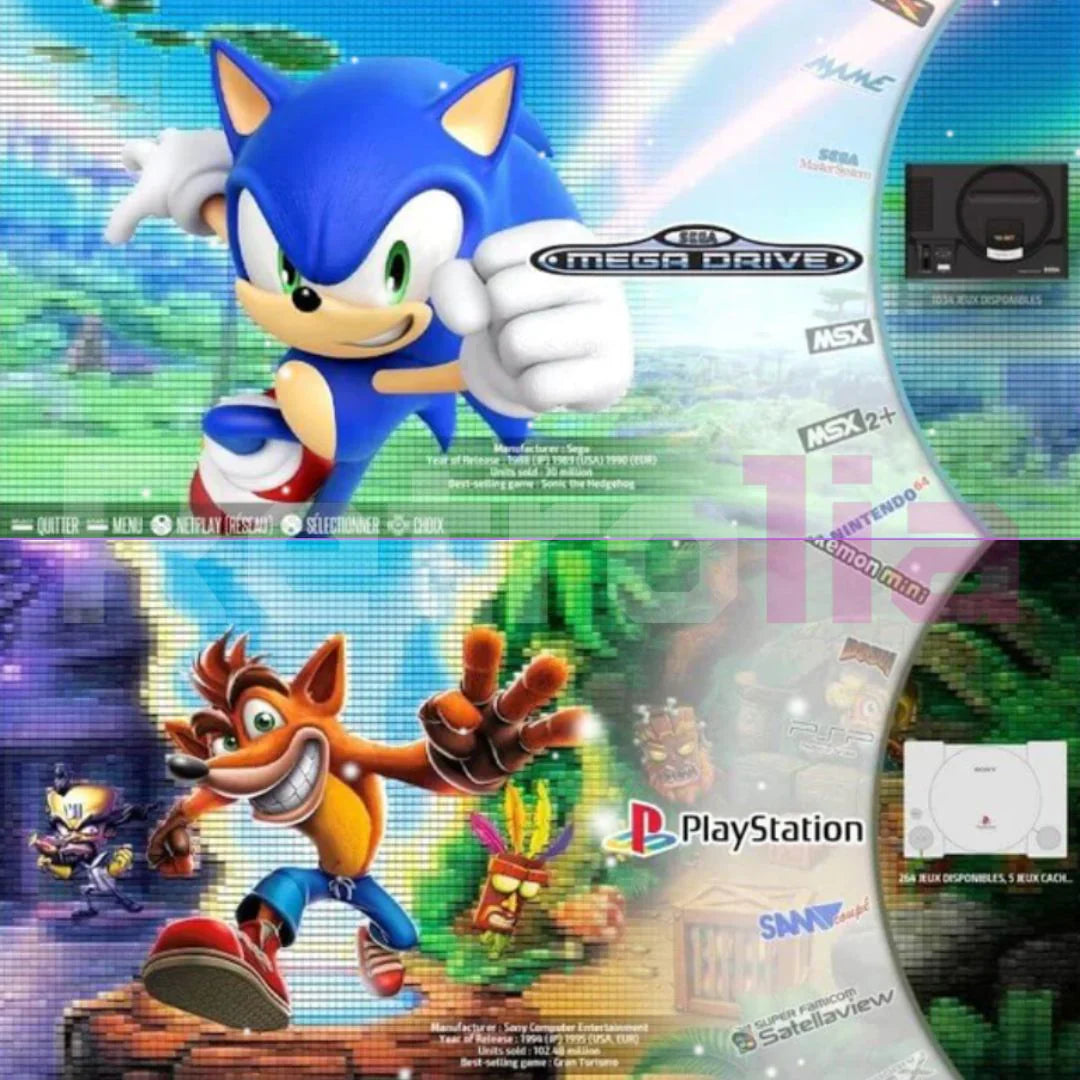
Enjoy every beloved title from the 80s and 90s, including classics like Donkey Kong, Pokémon, Mario, Zelda, Mortal Kombat, and many more. If there are any favorites missing, adding them is a breeze!
Expanding Your Game Library
- Remove the micro SD card from the device and insert it into the card reader.
- Connect the card reader to your PC or laptop.
- Navigate to a website to download your desired game/ROM, ensuring the file is unzipped and extracted.
- Drag the ROM file into the appropriate game folder (for instance, Donkey Kong.z64 should go into the n64 folder).


