




DriveFlow™ — Enable Wireless CarPlay or Android Auto in 5–15 Seconds
 High Quality
 Free US Shipping
 Hassle Free Returns
 Almost out of stock
Cut the Cord and Get Wireless CarPlay or Android Auto Instantly
Tired of wrestling with the cable every time you hop in the car — and seeing your charging port wear out? DriveFlow™ changes the game. Just plug it into your car’s USB port once. From there, your phone wirelessly connects to CarPlay or Android Auto as soon as the engine turns on. No app to install, no setup beyond the initial pairing.

No More Cable Hunting Every Time You Drive
Plug in. Unplug. Repeat. A few trips to work mean half a dozen cable swaps. Cables stiffen, ports loosen, and CarPlay often takes 20 seconds to kick in. DriveFlow™ replaces that with a single plug-in. The dongle stays put in your car. Your phone stays put in your pocket. The connection happens automatically.
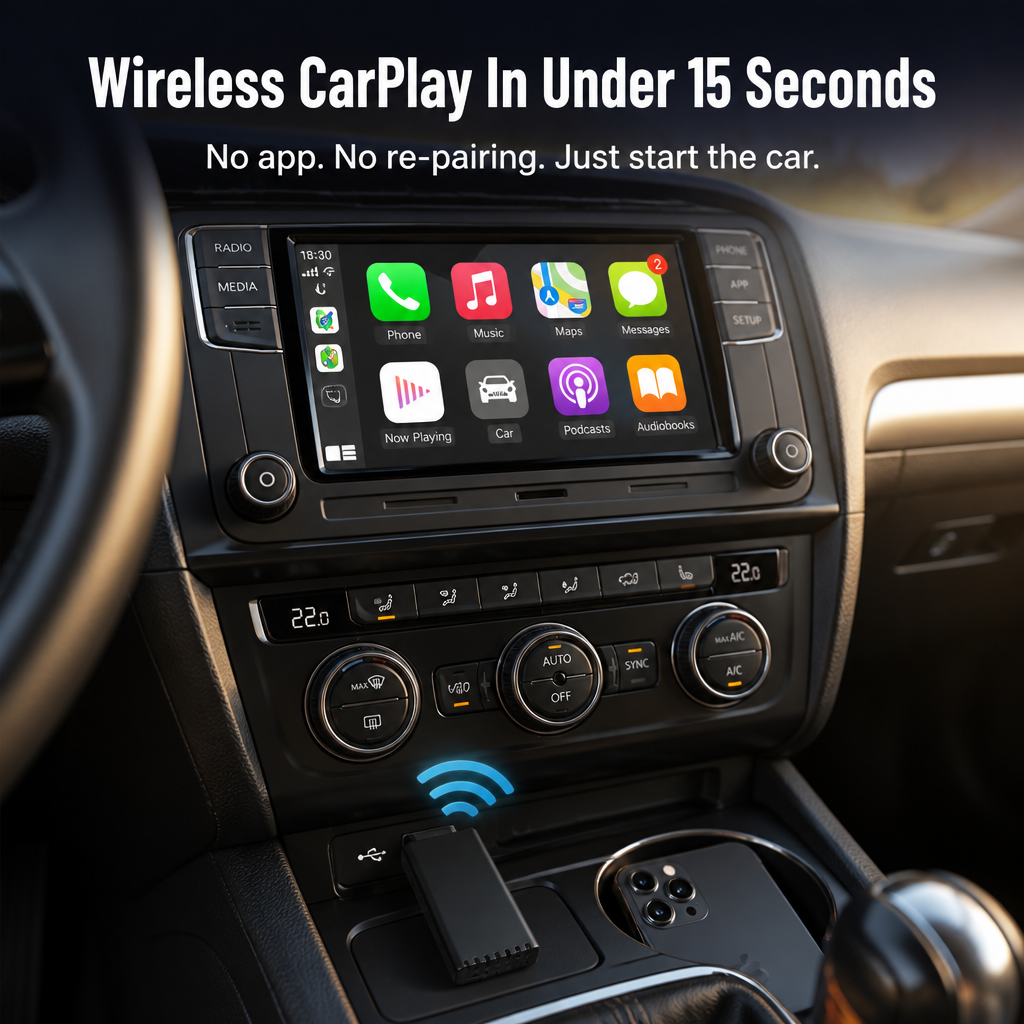
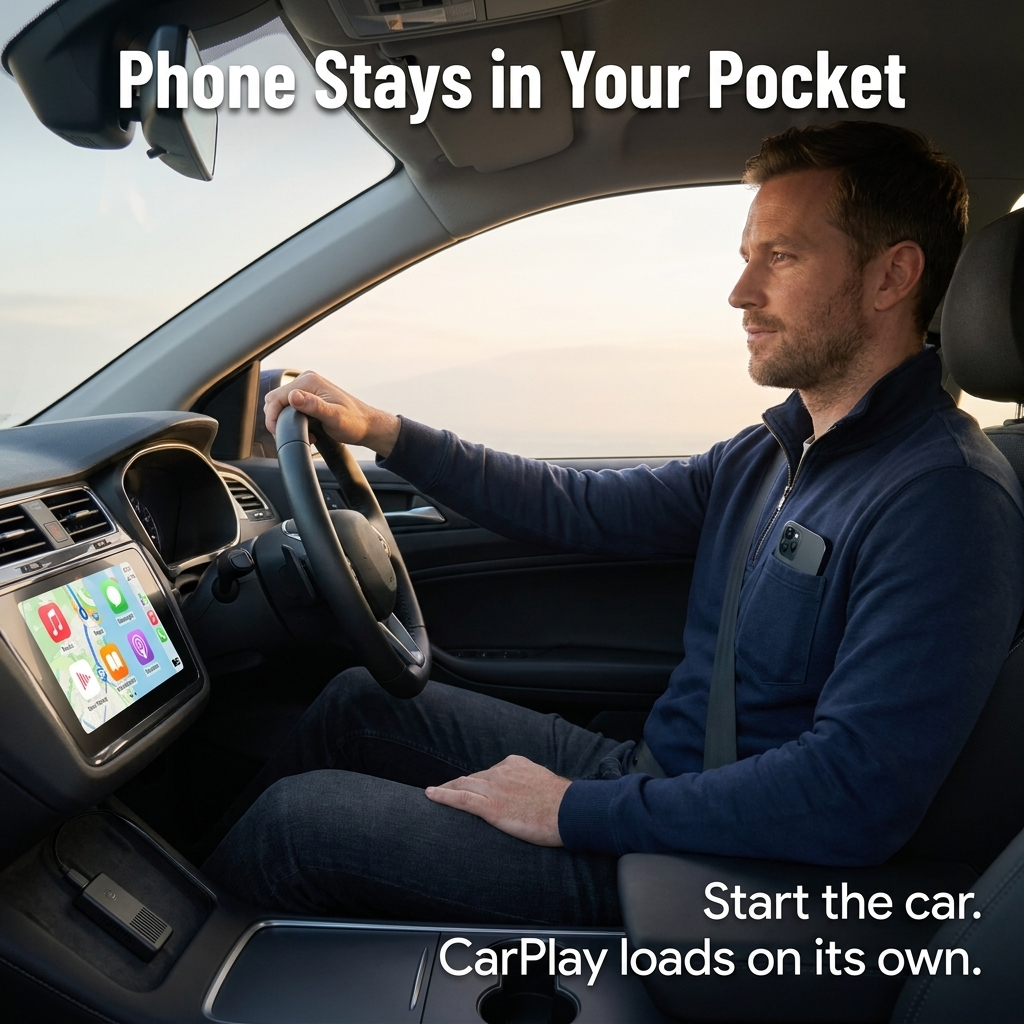
➤ Connects in 5–15 seconds, every time: Start your car, leave your phone where it is — in your bag, pocket, or cupholder. The Wi-Fi handshake takes over after the first Bluetooth pair, so CarPlay or Android Auto loads instantly without any taps.
➤ Compatible with most factory-wired CarPlay and Android Auto vehicles: If your car already supports CarPlay or Android Auto via cable, DriveFlow™ simply makes it wireless. No new head unit. No installer. No dealership visit.
➤ Fits both USB-A and USB-C ports: The dongle plugs into USB-A straight out of the box. Driving a newer model with only USB-C? The included USB-C adapter has you covered. At 55mm × 28mm, it slips neatly into your console and fades into the background.

How DriveFlow™ Converts Wired CarPlay Into Wireless Freedom
Simply plug DriveFlow™ into the same USB port you’ve been using for your phone. It pairs via Bluetooth the first time — that’s all the setup needed. From your second drive onward, it creates a Wi-Fi connection with your phone as soon as the car powers up, then streams CarPlay or Android Auto straight to your dashboard.
No downloads. No firmware fiddling. Just the same familiar interface — Maps, Spotify, WhatsApp, calls, podcasts — but now your phone stays tucked away and the cable never clutters your dash.

What Drivers Say After Using It Every Day for Three Months
"Honestly, I was expecting a cheap dongle that’d break within weeks. Three months later, it pairs instantly the second I start the car — no Spotify delays, no call glitches. I completely forgot what it’s like to plug in. The cable now just sits in the glove box, just in case." — Daniel R., daily commuter, Audi A4

What Changes the Moment You Install DriveFlow™
✓ Say goodbye to morning cable chaos: Phone in pocket, key in ignition, CarPlay kicks in. Searching for your Lightning cable is history.
✓ Protect your charging port: Plugging in constantly wears out the port. Keep your cable for home charging and let DriveFlow™ handle your daily connection.
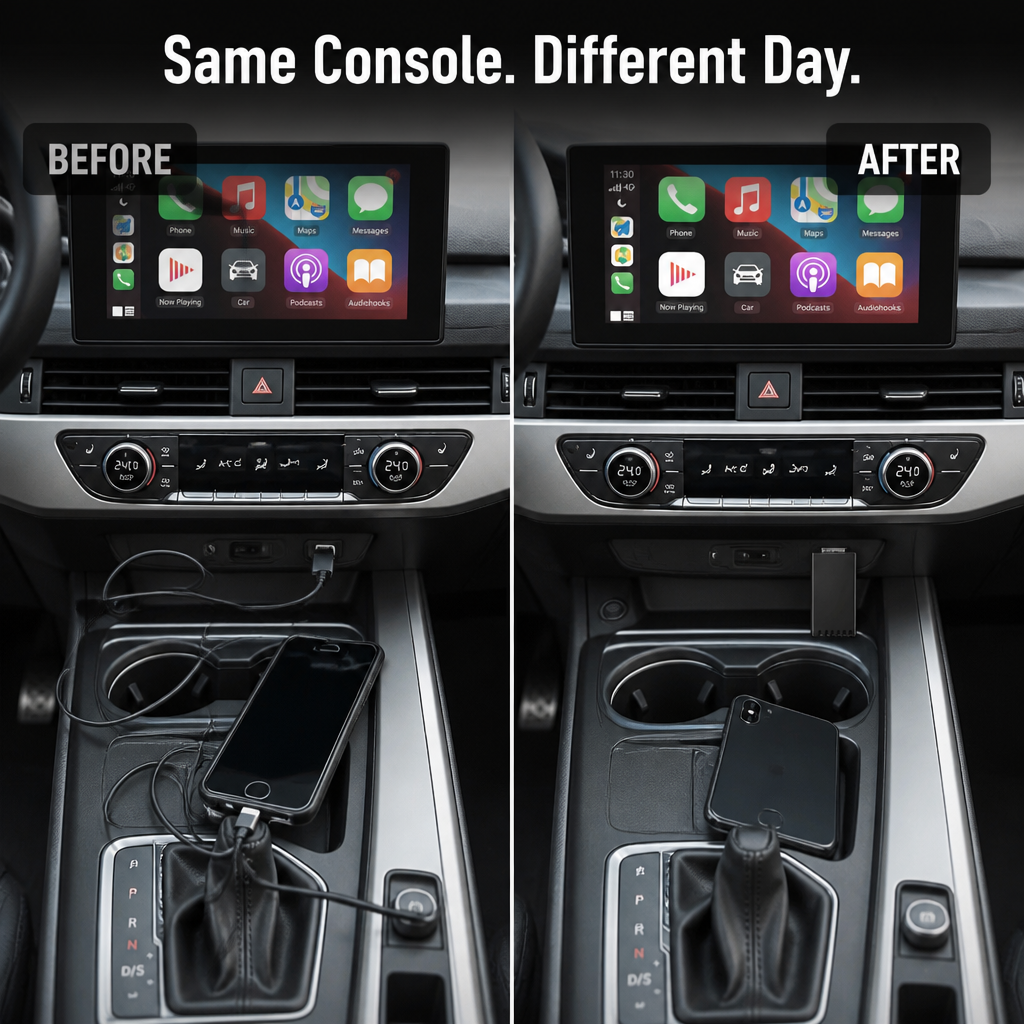
✓ Tidier interior, fewer distractions: No cables draped over the gearshift, no glancing down mid-drive for a connector. Eyes on the road, hands on the wheel.
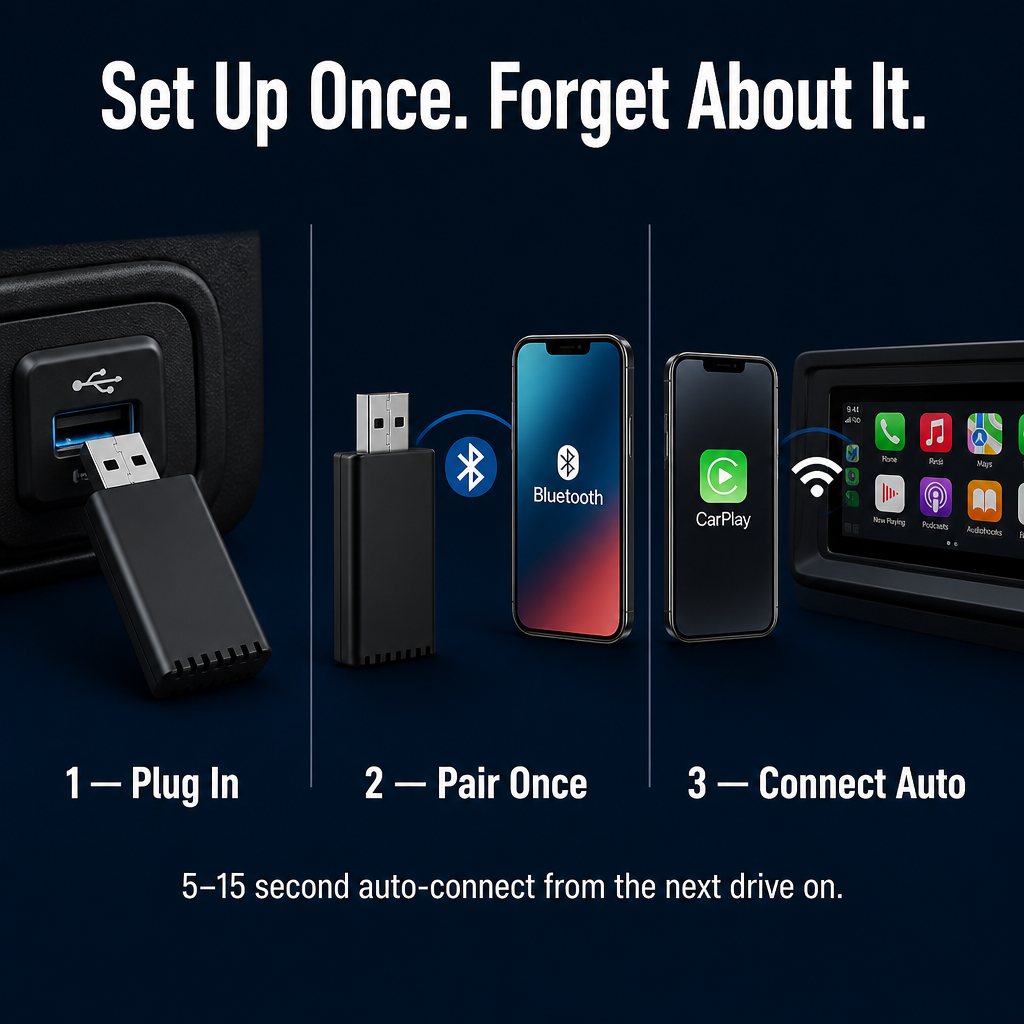
Easy Setup in Three Simple Steps
Step 1: Insert DriveFlow™ into your car's USB-A port — use the included USB-C adapter if your car only has USB-C.
Step 2: Pair your phone via Bluetooth once. CarPlay or Android Auto launches automatically after pairing.
Step 3: From your next drive onward, it auto-connects in 5–15 seconds when you start your car. No apps, no extra setup.

| Daily Drive Comparison | DriveFlow™ Wireless | Plugging the Cable In |
|---|---|---|
| Auto-connects in 5–15 seconds | ✅ | ❌ |
| Phone stays in your pocket or bag | ✅ | ❌ |
| Spares your charging port from wear | ✅ | ❌ |
Specifications — For the Detail-Obsessed Driver
- Material: ABS plastic housing
- Size: Pocket-friendly 55mm × 28mm — small enough to fit in your palm
- Compatibility: Apple CarPlay or Android Auto (select your version); works with most cars that have factory-wired CarPlay or Android Auto
- Connections: USB-A plug plus USB-C adapter included for modern cars
Quick Answers to Your Top Questions
Will DriveFlow™ work with my exact car?
If your vehicle already supports CarPlay or Android Auto when wired, DriveFlow™ will work too. It converts that wired connection to wireless — it doesn’t enable CarPlay where it’s not already available.
How quickly does it connect?
Between 5 and 15 seconds from engine start, every drive after the initial setup. The first pairing takes a minute or two during the Bluetooth and Wi-Fi handshake, then it remembers your phone and auto-reconnects thereafter.
Any lag on calls or music?
Because DriveFlow™ streams over Wi-Fi instead of just Bluetooth, calls and audio play without the delays typical of Bluetooth-only adapters. The music syncs almost like a direct wired connection.
USB-A or USB-C — which port do I need?
Each order includes the USB-A dongle plus a USB-C adapter, so it covers both port types. Use whichever matches your car, and keep the adapter handy if you swap vehicles.
Is an app required?
No app needed. CarPlay and Android Auto are already built into your phone. DriveFlow™ uses the native system — just plug it in, pair once, and it’s ready.

Drive With DriveFlow™ Once — Then Try Going Back to Cables
The cable stays tucked away in the glove compartment for emergencies while you forget it’s even there. Plug in DriveFlow™ once, pair your phone, and CarPlay or Android Auto loads automatically every time you drive after that. No extra apps. No repeated setup. The morning scramble is history.
What our customers have to say:
Luvilea Guarantees


Rated 4.6 / 5 based on 1289 reviews. Showing our 4 and 5-star reviews.